Neovim setup
every context switch, one keystroke away
Focus rarely breaks on hard problems. It breaks on small chores: finding a repo, making a branch, opening a PR, arranging windows. This setup turns each chore into one keystroke so I stay in the flow.
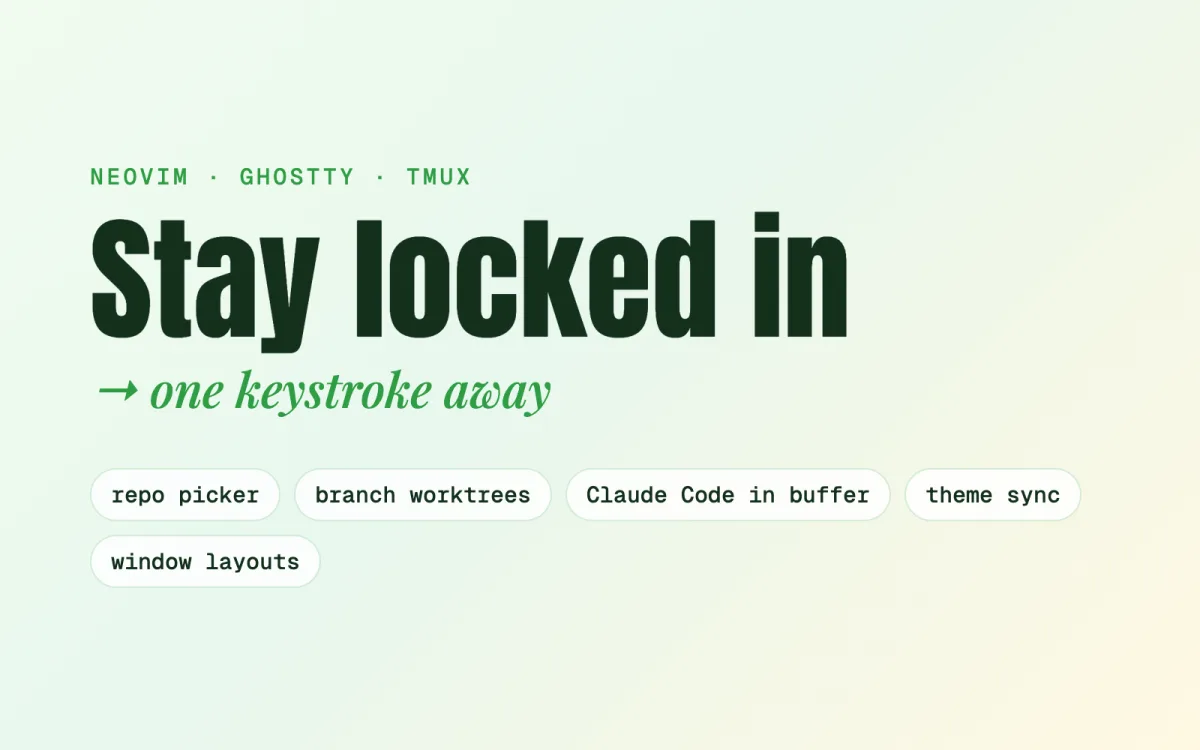
A Lua control panel picks any repo, branch or pull request and opens it in its own git worktree, reusing one if it already exists. Results are cached and refreshed in the background, so the picker opens instantly. The fastest context switch is the one you never feel.
claudecode.nvimputs Claude Code's proposed diffs right in the buffer to accept or reject, and a key sends a selection or a file to it. Claude itself runs behind hooks that keep it in a worktree and off the main branch, checked by a 28 case test.
Hammerspoon hotkeys stack my apps on one display and fill the other with the terminal, or split the focused screen in two. The editor theme and the Ghostty terminal theme stay in step, with contrast picked by luminance so text stays readable.
Neovim, Claude Code, Ghostty, tmux, Hammerspoon and even keyboard sounds live in one repo. An install script backs up whatever it replaces, and a sync script copies live config back while swapping any credential for a placeholder and scanning for secrets before a commit.